

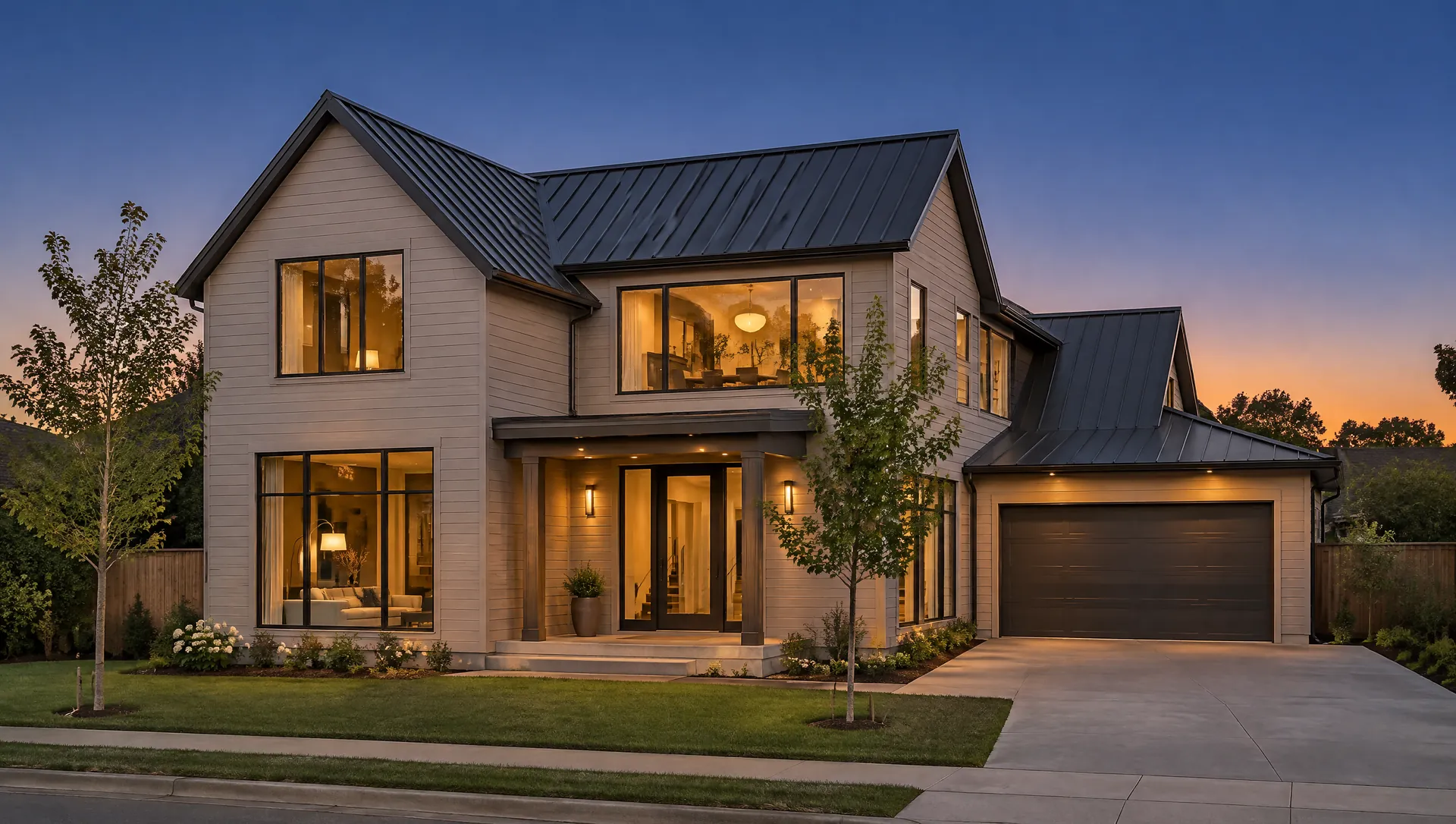
Single-family: build it, sell it, or hold it?
A Residential study runs ten analysts on the lot, from zoning and site conditions to the cost to build and the pro forma, and ends with a GO, CONDITIONAL GO or NO-GO verdict.
Step by step, in the product
- New studyEnter the address, pick Residential, and add the lot size, price, zoning and the home you plan to build.
- Ten analystsSite, zoning, highest & best use, market, land, construction, bids, finance, risk and report run on the lot.
- Check the buildReview the budget by trade and level your builders’ bids.
- VerdictA master report with a verdict, a scored risk register and what to verify before you close.
What the lot allows
ZoningBot reads permitted uses, density, height, setbacks and parking for the zoning you enter, and you can add HOA or deed restrictions. Codes it cannot confirm are flagged for you to verify.
The ground itself
SiteBot and LandBot cover terrain, flood zone, wetlands, soils, tree clearing, access and how far the utilities are from the lot.
Cost to build
ConstructBot budgets the house by trade; BidBot levels your builders’ bids side by side. In the Deal Desk, a plan PDF becomes a proposed quantity takeoff for a person to accept.
Sell or hold
FinBot builds the pro forma against your exit (sale, refinance or hold for income) and target returns; MarketBot covers demand and the submarket.