

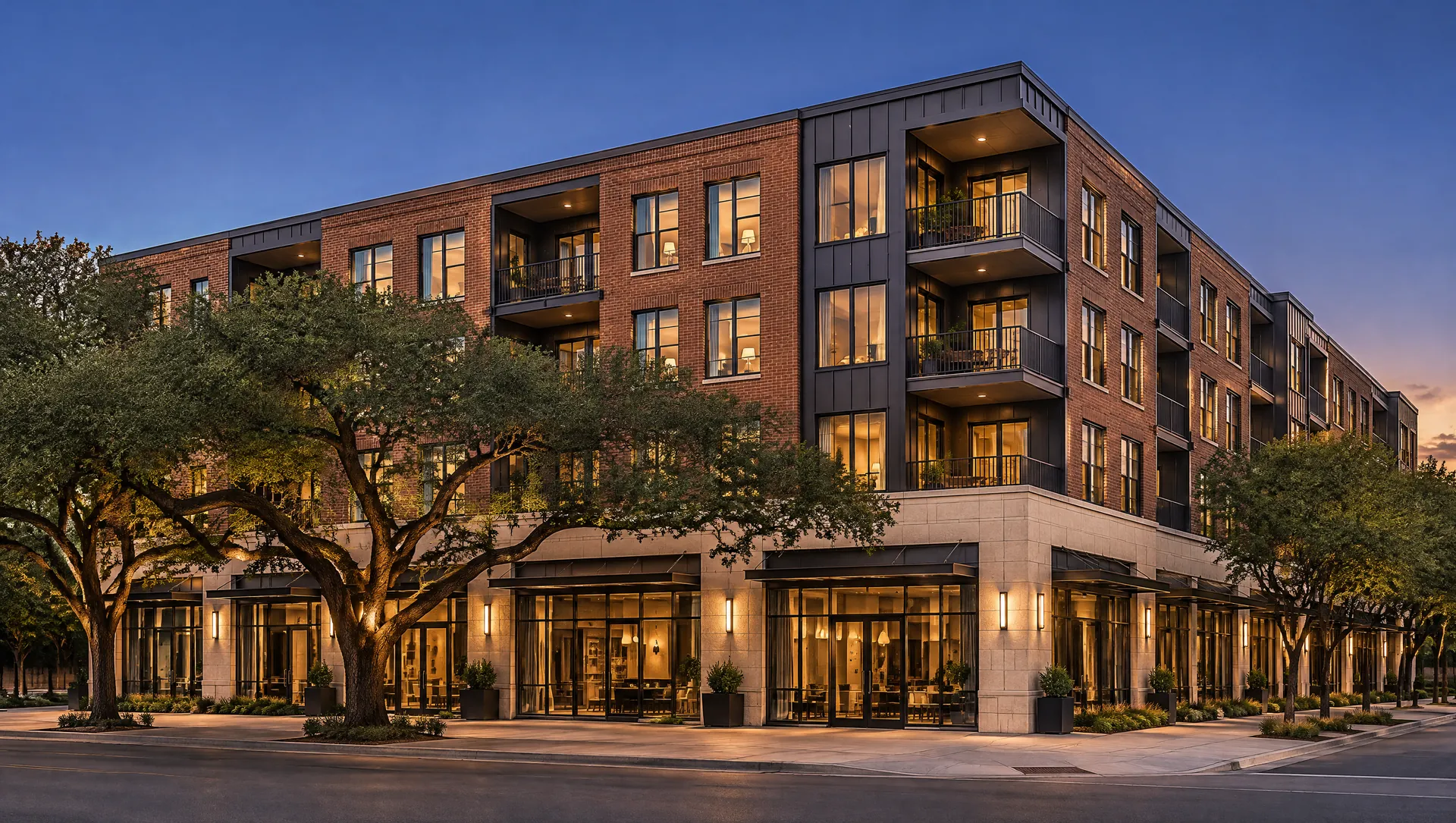
Example · Retail
Illustrative render · not a real project Retail & mixed-use: trade area, access and use permissions
Commercial / Retail studies add RetailBot; Mixed-Use adds MixedUseBot for programming by floor.
Walkthrough
Retail
Step by step, in the product
- New studyEnter the address and pick Commercial / Retail or Mixed-Use.
- Analysts runSite, zoning, market, cost and use-specific analysts run in parallel.
- RisksRiskBot scores each risk by likelihood and impact.
- ReportA master report with a verdict and action plan.
What gets checked
Trade area
RetailBot defines the trade area and consumer demographics and runs a retail gap analysis.
Use permissions
ZoningBot checks whether retail, restaurant or drive-thru uses are permitted.
Programming
MixedUseBot recommends the use mix by floor and zone.
Returns
FinBot tests the economics against your targets.
Screen your next retail site
First full study free. No credit card required.